 ProductSens365
* The web in the image is for illustration purposes only and may differ from the actual web screen depending on the software version.
 |
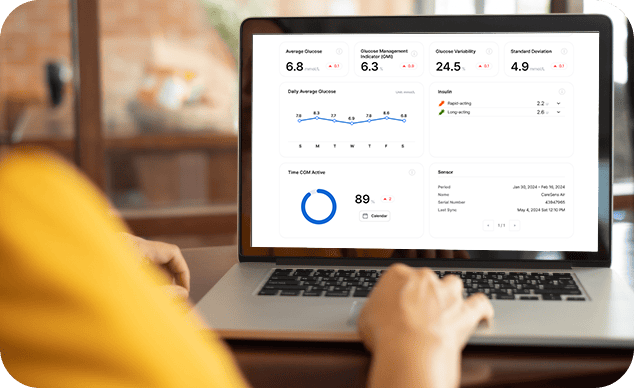
General Mode General Mode is a personal glucose management mode that allows you to view glucose data uploaded by CareSens Air in the form of reports. |
||
|
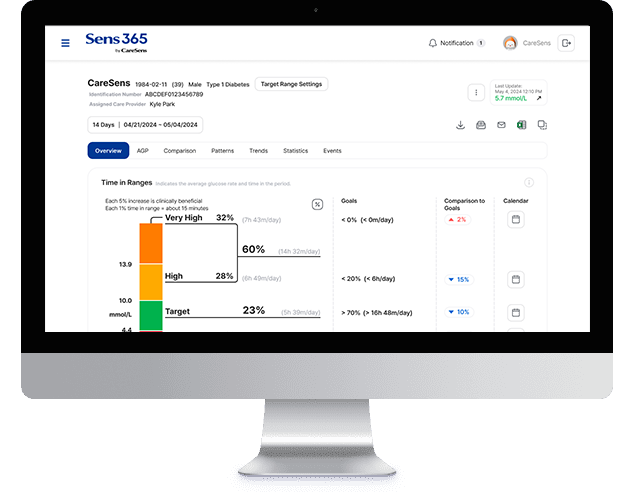
Healthcare Professional Mode Healthcare Professional Mode is used by healthcare professionals to view sensor users’ glucose data shared with them in the form of reports. Healthcare professionals can create groups and register patients to easily view glucose reports, patterns, and statistics for each patient. |
|||

General Mode
General Mode is a personal glucose management mode that allows you to view glucose data uploaded by CareSens Air in the form of reports.
Healthcare Professional Mode
Healthcare Professional Mode is used by healthcare professionals to view sensor users’ glucose data shared with them in the form of reports. Healthcare professionals can create groups and register patients to easily view glucose reports, patterns, and statistics for each patient.

You can also customize each item to what you want to see with the Customize Overview feature. Sens365 web helps you maximize your systematic glucose management.